Photoshop – Lightroom

Tips for using Photoshop or Lightroom

To Retouch or Not to Retouch, THAT Is the Question

This morning I read an article by Beate Chelette, (http://PhotoBizCoach.com), titled “Advertising Under Fire for Doctored Images” asking photographers where they stand on the issue of retouching images and the ethics of doing so. Click the links above and read the story. It’s short; I will wait here for you.


Tap, tap, tap…. Oh you’re back. Sorry, I got distracted.


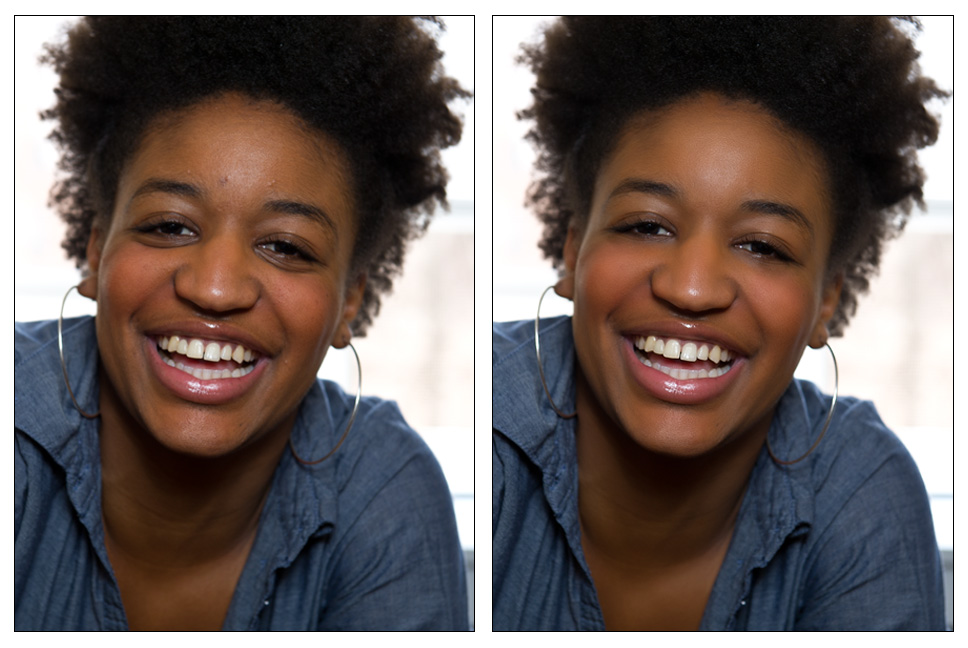
If you read the article you may have seen my response as well: “Some retouching is a good thing, too much, not so good.”  I whole heartedly believe that and I live it with my work too. I am not opposed to doing whatever my client wants. If the client wants china doll skin, I can do that. However I prefer to keep the image looking real.

Continue reading

Are You (re)Touched?


I have been asked many times if I retouch my work. The answer is complicated in a sense because although I don’t like to retouch, I still want my clients to look their best when they get their portraits. So it comes down to more of a question of how much is too much.


We all know that in magazines like Glamour, Vogue and most of the celebrity magazines the images are retouched and often to the point of fantasy. It is easy to go overboard when retouching someone. When the natural texture of the skin is taken away and the skin looks like porcelain, it is overdone. If the photographer or retoucher makes someone look so ‘perfect’ that you wouldn’t know the person if you met them on the street then they have gone too far.


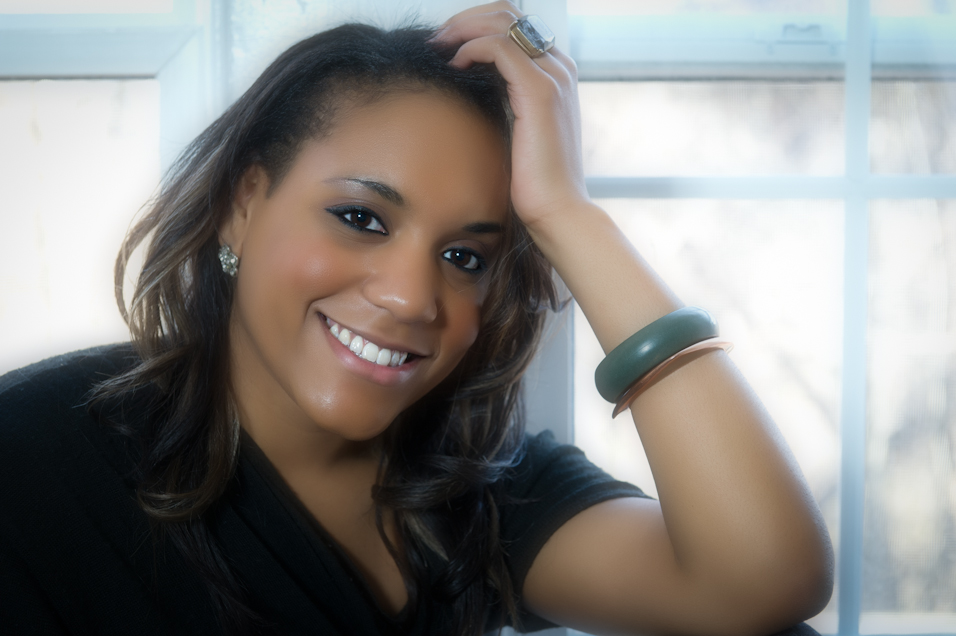
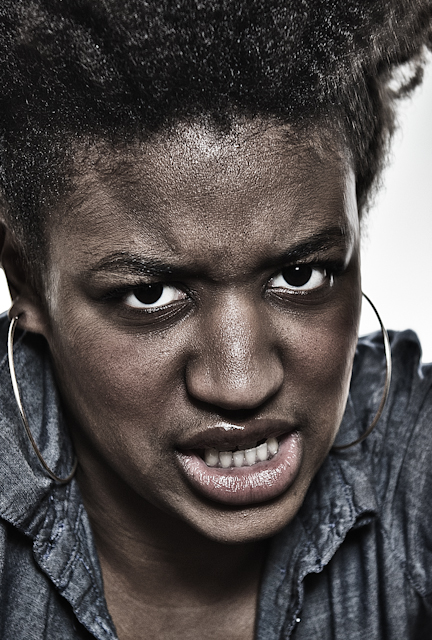
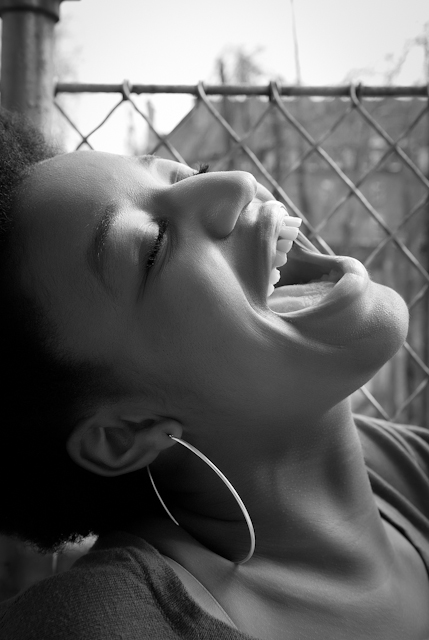
At the same time if the client wakes up the day of their portrait session with an acne breakout you don’t want them to look less than their best either. That is where retouching can be a benefit; it is not however the only time that some retouching needs to be done.  An example is my recent shoot with Sydni, a beautiful young lady who has a natural beauty that shouldn’t be altered or hidden by retouching.

Continue reading

Opposites

The old adage that opposites attract remains true in all aspects and especially in photography. Powerful images from the likes of Helmut Newton and his industrial women series, Robert Mapplethorpe from his powerful nudes to his delicate orchids in B&W and many others show how something soft and beautiful when placed up against a contrasting opposite not only stand out but scream to the viewer about how a harsh background makes a soft subject jump out at you.

Continue reading

New Year = New Opportunities

In this new year everything has changed and nothing has changed.  Many people say that the economy is getting better; many others say it’s staying the same or getting worse. Is the glass half full or half empty?  It’s a matter of choice.


So what are your choices this year?  Most choices you have this year haven’t even presented themselves yet; it is a whole year after all. Although the choices have not yet presented themselves, you can wait for them or you can go out and make the opportunities that create your ability to choose. Continue reading

Breaking the Rules


As many of the regular readers of this site know, I am a huge fan of HDR (High Dynamic Range) photography. I love how you can create images that really pop and have deep, rich saturation of color.  In many cases, it can be over done to the point of surreal and almost (and in some cases, very) unrealistic. Many believe this is the only way to do HDR; it is the “HDR Rule.”


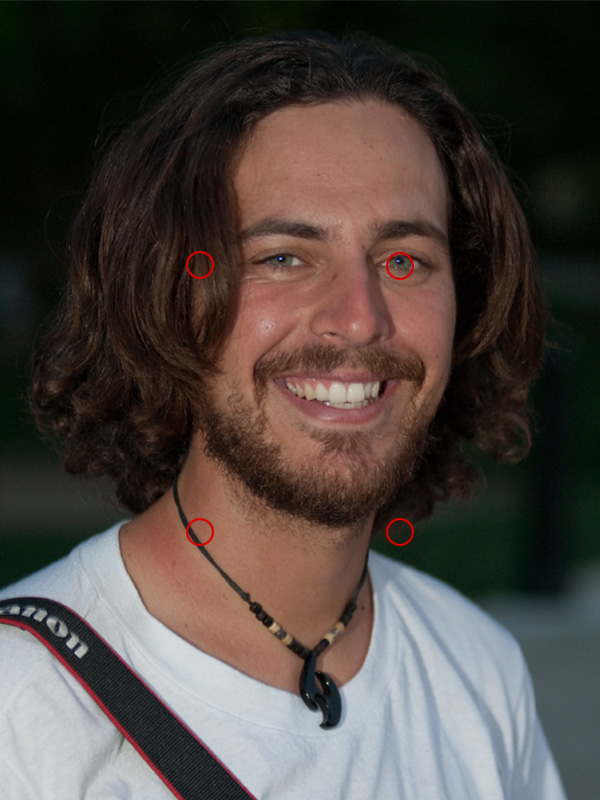
Another rule is the Rule of Thirds. In the rule of thirds the thinking is that you should divide an image into thirds or 9 cells as the image below shows. In the final image that you present it is strongly suggested that pour points of interest (POI) should be along those lines and even better, where they intersect (the red circles).

Continue reading

HDR Images – Photomatix to Photoshop


On my last tutorial I showed you how to generate a good HDR image from Lightroom to Photomatix then to Photoshop. I got a few comments saying “I don’t use the plug-in!” or “I don’t have Lightroom!” Well, Photomatix is a standalone program too. So in this 3 part series of video tutorials I will walk you through the entire process starting in Photomatix and ending in Photoshop CS4.

This tutorial is a little longer than the last one totaling just under 30 minutes for all three parts combined. You may want to sit back and grab a cup of coffee before you start. I don’t think I sound boring, in fact I was surprised how long it took to get through it all because it felt like a lot less than that when I recorded it. Click the image below to watch part 1 then come back and watch the second two parts!

Part 1

Click the link below for parts 2 &3! Continue reading

HDR in Photomatix Pro 3.2 (Plugin Version)


I was looking for information on Photomatix recently and I found very little helpful information. There were 5 pages of YouTube videos but 90% of them weren’t very helpful. So many of the videos said thing like, “I don’t use this slider/option so just leave it as it is.” Or, “This is how I use the software. I’m not sure what this does.” Unacceptable!

I took it upon myself to give a better overview of the software. I did not get into the batch processing, or any of the other tools that are in the stand alone program. I looked only at the Lightroom Plugin in the overview/tutorial. As it is, I had to do this in three parts. What I do is I take an older set of bracketed images and show you how Photomatix can manipulate the merged HDR image. I then re-import the image back into Lightroom and Photoshop and take the process through to saving the final image.

Below is part one.

Click the link below it to see parts 2 and 3. Continue reading

Picking the Trash – 1 Handed Photoshop


First let me apologize for the lateness of my post. I spent last week reformatting and reloading my computer. And before anyone says I should use a Mac, A) I don’t like them and B) I chose to do the reformat, it wasn’t a crash. Every once in a while it helps to clean house and take out the garbage. That leads me to this weeks One Handed Photoshop tutorial.

Trash, garbage, crap. What makes an image any of these things? Do you delete or throw out “bad” images? If you do, STOP! If you don’t, its time to take a look at them again. I have always believed that all the images I take have some value, some how. I keep them all. I have over 40,000 on just one hard drive. That doesn’t include the hundreds of CDs and DVDs I have backups on or any of the negatives in that huge filing cabinet behind me.

Click the link to see what you can do with all that trash. Continue reading

Hear That Noise? – More 1 Handed Photoshop


In this week’s video tutorial I take a look at noise and the different ways to reduce it. In the past, I thought that Photoshop, Camera Raw or Lightroom could clean up noise fairly well, and they can. Severe noise was another story and I thought I was just stuck with it. But then I learned what 3rd party plugins could do.

Talk about a difference! I was able to save images that I thought were lost to the noise. I mean we were talking the image versions of a heavy metal concert. Then I had a shoot where I got nothing but noise all day long. Shot after shot of noise infested images.

Check out the video and what I do about noise by clicking the link. Continue reading

1 Handed Photoshop Part 3 – Edge Effects

Well, I am still in a cast and I am still doing everything one handed. The advantage I have over last week is moving my fingers is easier so i may be able to get this post typed in in less than a day! Check back at the end and see how I did.

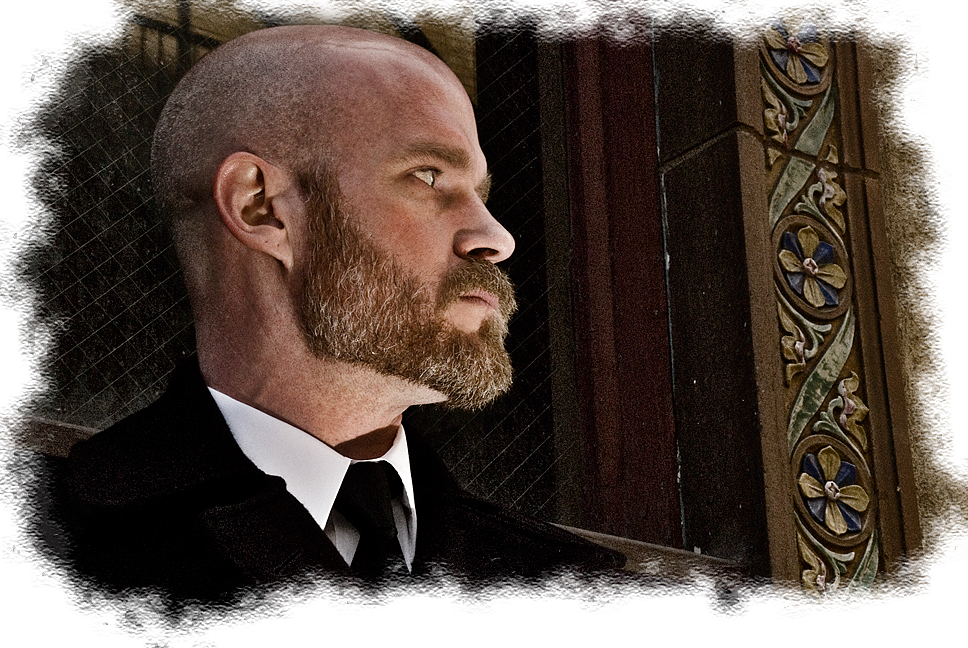
This week I thought we would do some finishing touches on our image of James, popular guy that he is, I am getting tired of looking at him. So this week its Edge Effects! It seems that everyone wants to know how to do the best edge effect. Well that depends on a few things, the image, the look you want and how you wan the image to be seen. All depend on you!

Click the link to see the video Continue reading