Lead, Follow Or Get The ‘F’ Out Of The Way
Recently my business coach (View article here) created a video article for photographers that is a tough love type of video that asked photographers if they needed to get out of the photography business or if they were willing to do what it takes to make it work. I have to admit that I loved it.
I agree with her and many others that some photographers have gotten very negative about the business and about their clients, not to mention other photographers. For me, this is not the way to win the confidence of my clients. Sure it has gotten harder to make a living in the photography business. But it has gotten harder to make a living in any business! Business in general has changed all across the board.
Times are difficult. Just yesterday my 72 year old mother was laid off from a job she had for over 20 years. Her entire Human Resource department was outsourced. She is lucky, she has been contemplating retirement. Others she worked with are now in the market for work. They have to be prepared for change and so do companies looking to grow their business. Continue reading
Breaking the Rules
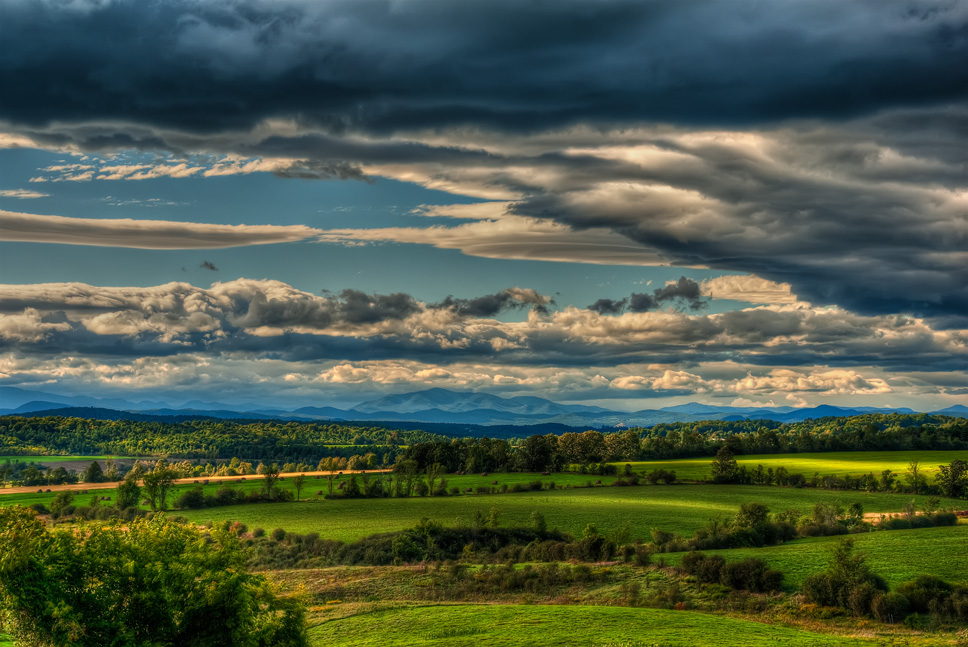
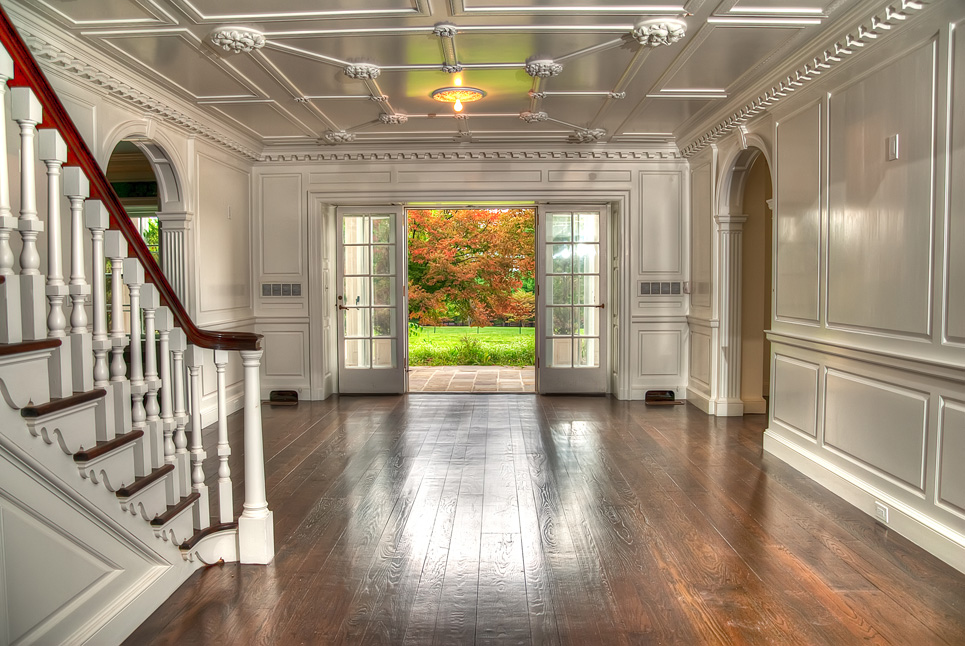
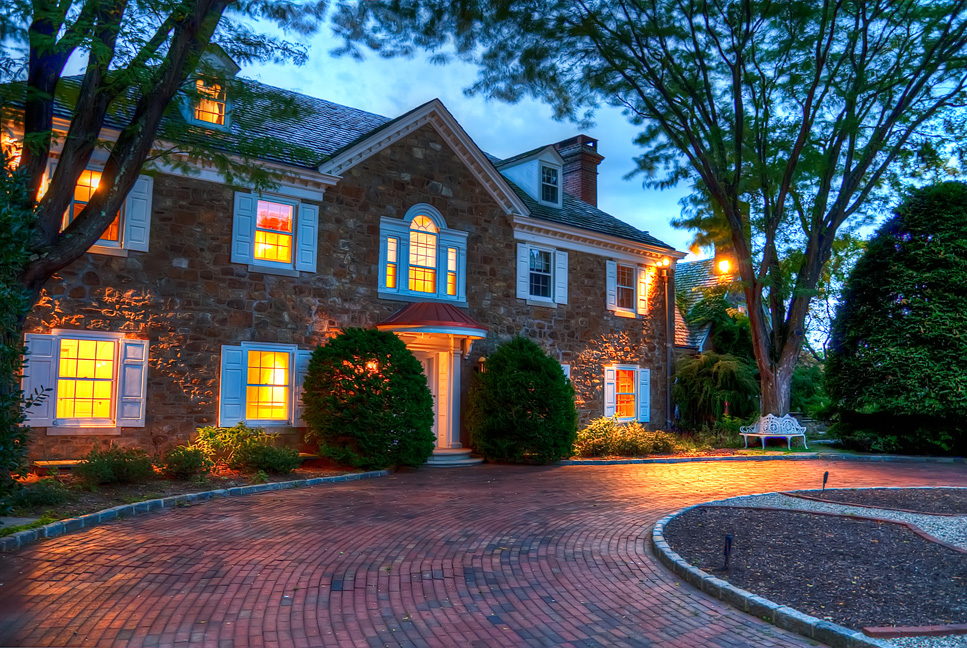
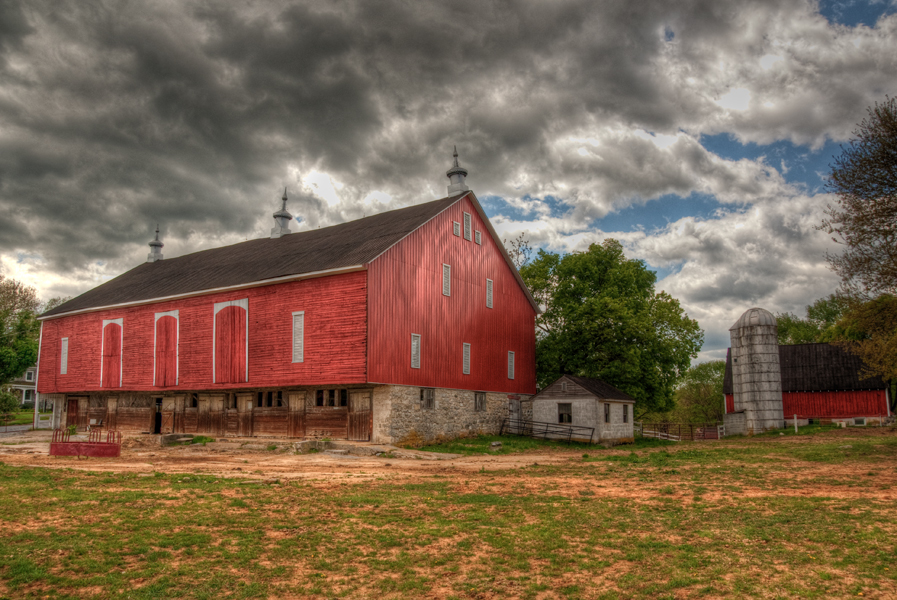
As many of the regular readers of this site know, I am a huge fan of HDR (High Dynamic Range) photography. I love how you can create images that really pop and have deep, rich saturation of color. In many cases, it can be over done to the point of surreal and almost (and in some cases, very) unrealistic. Many believe this is the only way to do HDR; it is the “HDR Rule.”
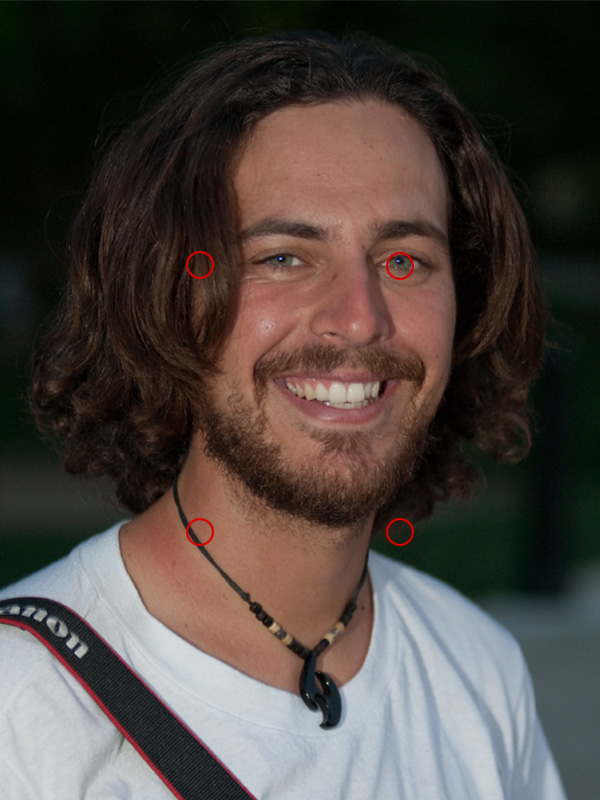
Another rule is the Rule of Thirds. In the rule of thirds the thinking is that you should divide an image into thirds or 9 cells as the image below shows. In the final image that you present it is strongly suggested that pour points of interest (POI) should be along those lines and even better, where they intersect (the red circles).
HDR Images – Photomatix to Photoshop
On my last tutorial I showed you how to generate a good HDR image from Lightroom to Photomatix then to Photoshop. I got a few comments saying “I don’t use the plug-in!” or “I don’t have Lightroom!” Well, Photomatix is a standalone program too. So in this 3 part series of video tutorials I will walk you through the entire process starting in Photomatix and ending in Photoshop CS4.
This tutorial is a little longer than the last one totaling just under 30 minutes for all three parts combined. You may want to sit back and grab a cup of coffee before you start. I don’t think I sound boring, in fact I was surprised how long it took to get through it all because it felt like a lot less than that when I recorded it. Click the image below to watch part 1 then come back and watch the second two parts!
Part 1
Click the link below for parts 2 &3! Continue reading
HDR in Photomatix Pro 3.2 (Plugin Version)
I was looking for information on Photomatix recently and I found very little helpful information. There were 5 pages of YouTube videos but 90% of them weren’t very helpful. So many of the videos said thing like, “I don’t use this slider/option so just leave it as it is.” Or, “This is how I use the software. I’m not sure what this does.” Unacceptable!
I took it upon myself to give a better overview of the software. I did not get into the batch processing, or any of the other tools that are in the stand alone program. I looked only at the Lightroom Plugin in the overview/tutorial. As it is, I had to do this in three parts. What I do is I take an older set of bracketed images and show you how Photomatix can manipulate the merged HDR image. I then re-import the image back into Lightroom and Photoshop and take the process through to saving the final image.
Below is part one.
Click the link below it to see parts 2 and 3. Continue reading
Hear That Noise? – More 1 Handed Photoshop
In this week’s video tutorial I take a look at noise and the different ways to reduce it. In the past, I thought that Photoshop, Camera Raw or Lightroom could clean up noise fairly well, and they can. Severe noise was another story and I thought I was just stuck with it. But then I learned what 3rd party plugins could do.
Talk about a difference! I was able to save images that I thought were lost to the noise. I mean we were talking the image versions of a heavy metal concert. Then I had a shoot where I got nothing but noise all day long. Shot after shot of noise infested images.
Check out the video and what I do about noise by clicking the link. Continue reading
One Handed Photoshop – Make The Image Pop!
You probably know already that ice is slippery, but did you know it’s sneaky too? It is when its black ice. It was hiding in my driveway last week and it took my feet right out from underneath me. I remember hearing a distinct snap too. Then I realized that snap was my wrist. So here I sit typing a blog post with one hand. The other is in a cast and itching like mad!
I was due to write my weekly post over the weekend but now I can only type so much and its less than half as much when using only one hand. So I got to thinking, what can I do one handed that I can put on my site? 1 Handed Photoshop Tutorials were born!
Below is the first in what I hope will only be a short series of tutorials that can be done quickly and easily, and with only one hand, in Photoshop. This first one is on how to use the High-Pass filter to make your images pop out at the viewer. Click the link to watch the video and take a look!
HDR In Photography
Unless you have been living in a vacuum for the last few years you have heard of the latest trend in still photography, HDR (High Dynamic Range). Everything from real estate to portraits to advertising is using HDR as a way to grab the viewer’s attention. Even I have written a couple of pieces on HDR and how to get the effects that really make an image pop.
Is it a trend or the future of photography? I believe that the trend has passed and that HDR is here to stay. More photographers are using HDR everyday and with that, more ways to get ‘the look’ are being used and discussed.
Is there a best way to get the HDR look in your images? I don’t feel that any one technique has yet emerged as the single ‘best’ way. Clearly HDR soft’s (http://www.hdrsoft.com/) Photomatix and Photomatix Pro are the current choice of the majority of users today. Of course many are using the HDR component in Photoshop as well. It just seems that Photomatix is a better tool for tone-mapping than what is included in Photoshop, so far.
Click the link to read more Continue reading
“True” HDR Portraits (You Know, with Bracketing?)
On my last tutorial I received many comments on how changing the exposure level of a single raw file then creating an HDR image is not a ‘true’ HDR image. So I shot a bracketed self portrait and generated a new tutorial. This is the image that resulted.
I am not sure how letting the computer in my camera do the bracketing is any less ‘true’ than doing the same thing manually in Lightroom or Photoshop. But, I come from a purist photography background; as in I shot film, developed film and have lost years of my life in a dark room (go into the darkroom at 7 in the morning and come out and it’s still 7am, on a different day!), and I am actually fond of the smell of fixer.
To watch the tutorial Click the Link: Continue reading
HDR Portraits
By now I am sure you have heard of HDR or High Dynamic Range Photography. Usually the images are done for landscapes or architecture where there is little or no movement from the subject. This is because you need to blend several images, taken at different exposures, together to show the full dynamic range of color. Doing this with portraits has been difficult or impossible because of the (however so slight) movement of a portrait subject. Not anymore.
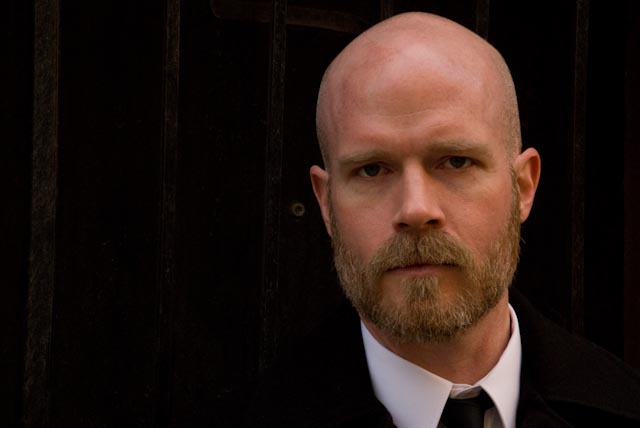
In the tutorial below I show you how I got to the dramatic image above from an everyday image that is well exposed but is nothing special.
Click the link to find out how. Continue reading
The James Effect
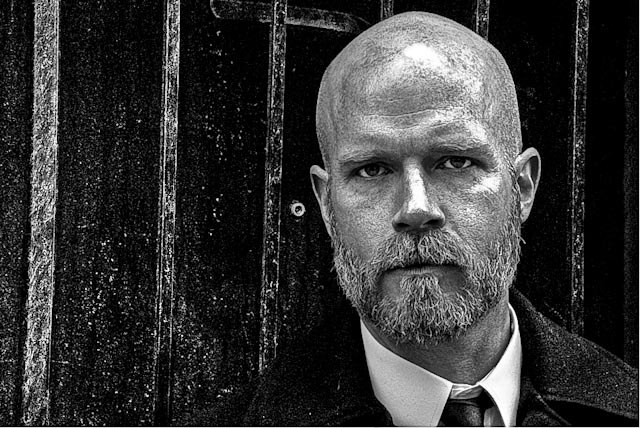
By far the most popular image on my site is James – The Mystery Man. I have been asked if it is a drawing, a painting, everything. It is a photograph.
I shot Jim about a year and a half ago and we spent the better part of the day shooting. The image that first loads on the site is an image that was done in the early part of our day. We were in the shadow of a building and this allowed me to control the light completely. I used one SB800 flash unit to light the area behind him and one to light Jim. The light is about waist high and a grid spot used to light only his face.
After the image was captured I used Adobe Lightroom and Photoshop to convert the image to what you see on the site today. The technique is a variation of Scott Kelby’s grunge effect. If you are a member of NAPP you can see Scott’s tutorial at www.photoshopuser.com and search on Grunge. I did alter the tutorial a bit and you can see how by clicking the link below.